
Reference-based color matching / Windows
From a reference.
To a look
you can reuse.
Match a reference, shape the result, save your choices and export a reusable LUT. A focused color workspace for Windows.
01 / From inspiration to a look
A starting point.
Not the final word.
Your reference sets the direction.
Your eye makes the call.
01 / Choose the direction
Bring the color that caught your eye.
Start with a reference and your footage. Reference-based matching gives you a look to evaluate, rather than another preset to browse.
02 / Make the creative call
A match is a beginning.
Your judgment finishes it.
Review the match against your footage. Refine the direction to suit your scene, and save looks you want to return to.
03 / Carry it forward
Make a look you can use again.
Export a reusable LUT. Keep saved looks for another session, and use batch processing with resume for still-frame projects.
Recorded in GradeWright / local Windows build
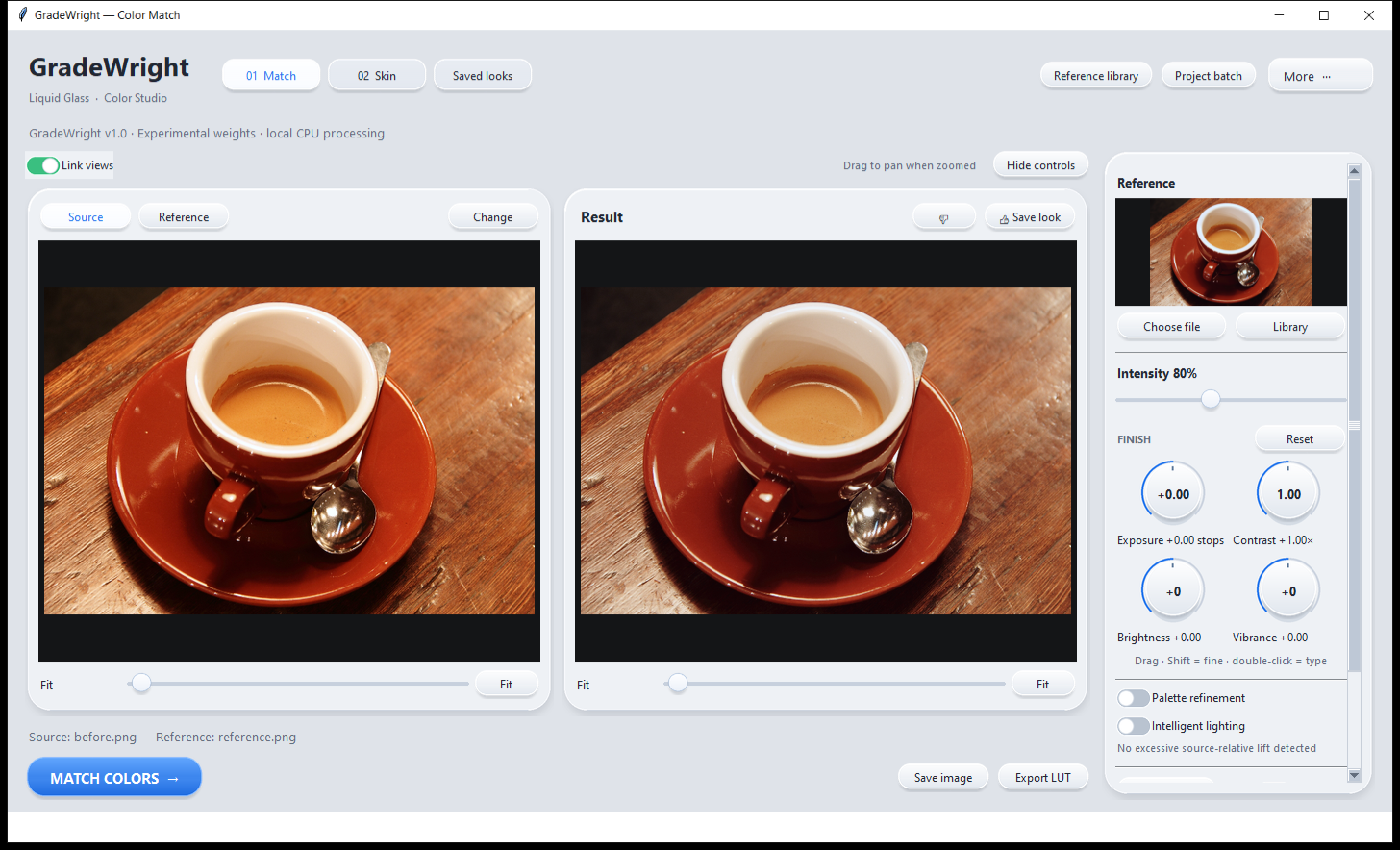
See the actual workflow.
Actual application recording with automated controls. Controlled same-photo exercise with a manually prepared input/reference—not a cross-scene benchmark or a promise of identical results. No generated product screenshots.



Sample photograph: Rachel Michetti, CC0, courtesy of Pikolo Espresso Bar, distributed by scikit-image. No endorsement implied.
02 / Beyond a single shot
Keep the look.
Keep moving.
A focused Windows workflow for turning a reference into something you can build on.
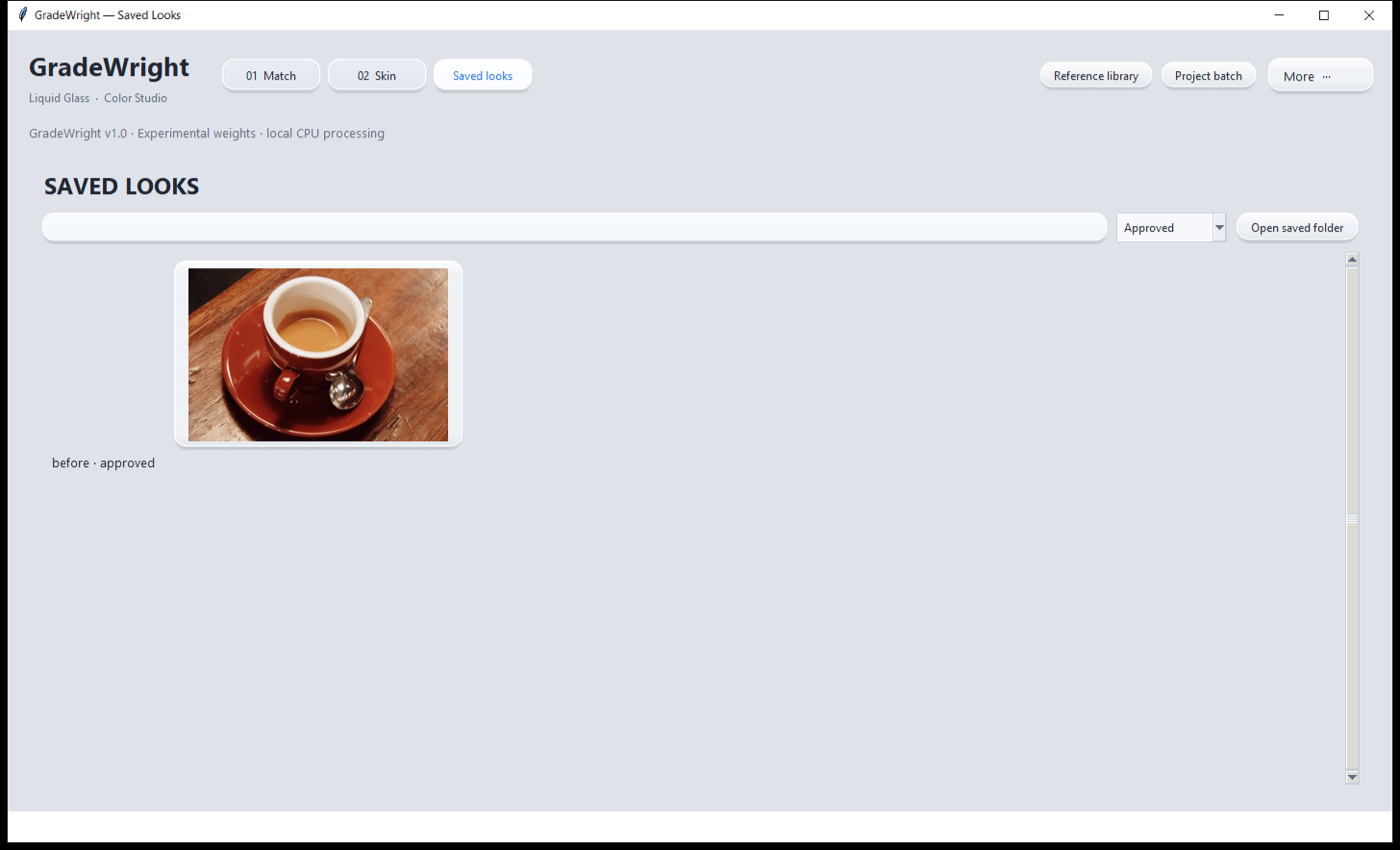
Looks worth returning to
Save a look for later. Export it as a LUT when you’re ready to carry it forward.
More frames. One workflow.
Work through still-frame projects with batch processing and resume. This is not automatic whole-video grading.
Made for your Windows desktop
Local CPU processing on Windows x64. A dedicated workspace for your color direction.
03 / Proposed launch offer
One edition.
Room to create.
Reference matching, saved looks, LUT export and batch/resume. A single proposed edition, without a monthly subscription.
GRADEWRIGHT FOR WINDOWS
Proposed license & update terms
Single edition
- One editor · two owned computers
- All capabilities described on this page
- Updates within the current major version
- Paid major upgrades optional
Proposed price. Checkout opens after release approval.
04 / The useful details
Before your
next look.
What does GradeWright do?
GradeWright is a reference-based color matching tool. Start with a reference, review and refine a look for your footage, then save the look or export a reusable LUT.
Which computers does it support?
Windows x64 only, with local CPU processing. A Mac version is not part of this proposed launch.
Can I use it with DaVinci Resolve or Premiere Pro?
LUT export carries the color transform into an editor that supports it; spatial skin adjustments are not stored inside a LUT. Resolve host testing is pending. Native Premiere Pro integration is not offered; editor-specific LUT compatibility will be documented before launch.
What does the proposed $149 license include?
The proposal is one editor on two owned computers, with updates to the current major version included. Future paid major upgrades would be optional. These license terms are proposed, not an active entitlement.
Can I buy it now?
Not yet. This is a private design preview of the proposed launch offer. Checkout opens after release approval. The recorded walkthrough above shows a controlled exercise, not every production workflow.
Does the notification preview sign me up?
No. It is a local interaction preview using a fictional email address. Nothing is sent or saved, and no mailing list subscription is created.